Pass Core Web Vitals: How to Optimize Your Dental Website
Posted on 4/30/2026 by WEO Media
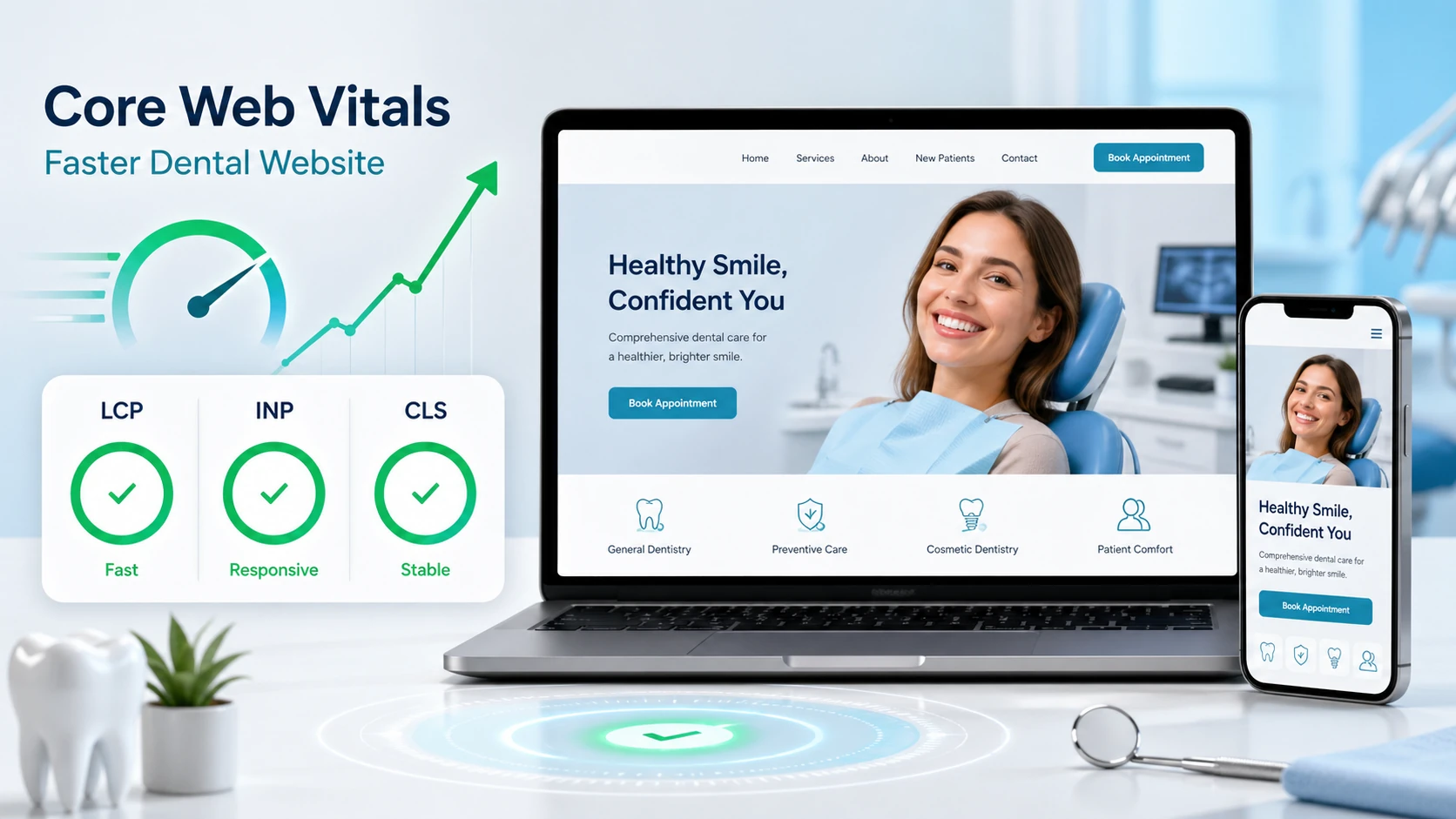
Dental practices can pass Core Web Vitals and optimize their dental websites by measuring three field-data metrics—Largest Contentful Paint, Interaction to Next Paint, and Cumulative Layout Shift—then prioritizing fixes to the hero image, third-party scripts, and layout-shifting elements that most often slow dental websites.
Why this matters for dental practices: Google uses Core Web Vitals as part of its page experience signals, and a slow, jumpy mobile page is one of the most common reasons new-patient traffic bounces before booking. The good news is that most dental sites fail Core Web Vitals for the same handful of reasons—oversized hero images, multiple tracking pixels firing on load, layout shifts from late-loading review widgets and chat bubbles, and custom fonts that delay the largest visible element.
Already passing on desktop but failing on mobile? Mobile is the score that matters for ranking, since Google indexes the mobile version of your site first.
Below, you’ll learn how to measure each metric using Google’s field data rather than lab tools alone, where dental websites typically lose points, and how to prioritize fixes by impact rather than chasing every yellow score in PageSpeed Insights.
Written for: dental practice owners, office managers, and in-house marketing leads who want their websites to load fast, hold steady, and respond quickly on the mobile devices most new patients use.
TL;DR
If you only do five things, do these:
1.
Use field data, not lab scores - PageSpeed Insights field data and the Search Console Core Web Vitals report reflect real visitors; Lighthouse lab scores are a diagnostic tool, not a passing grade
2.
Pass at the 75th percentile - Google requires that 75% of page loads meet each threshold (LCP under 2.5s, INP under 200ms, CLS under 0.1) on mobile
3.
Fix the hero image first - the largest visible element on dental homepages and service pages is usually the hero photo or smile-gallery image; compress, size, and preload it before anything else
4.
Audit third-party scripts - chat widgets, review badges, multiple tracking pixels, scheduling embeds, and heatmap tools are the most common INP and LCP killers on dental sites
5.
Lock layout dimensions - reserve space for images, videos, and embedded widgets so content doesn’t jump while loading
Core Web Vitals are three specific user-experience metrics Google uses as part of its page experience signals. Each one measures something a real visitor feels: how fast the main content appears, how quickly the page responds when they tap, and how much the page jumps around while loading.
The three metrics:
•
Largest Contentful Paint (LCP) - how long until the largest visible element (usually the hero image or main heading) finishes rendering; good is 2.5 seconds or less
•
Interaction to Next Paint (INP) - how quickly the page responds to a tap, click, or keypress across the entire visit; good is 200 milliseconds or less. INP replaced First Input Delay (FID) as a Core Web Vital in March 2024
•
Cumulative Layout Shift (CLS) - how much the layout unexpectedly shifts during loading (a button moves just as the user goes to tap it); good is 0.1 or less
What “passing” actually requires: a URL passes Core Web Vitals when the 75th percentile of page loads from real Chrome users meets each threshold, measured over the past 28 days. That means your slowest 25% of visitors still need to clear the bar—not just your fastest. Mobile and desktop are scored separately, but mobile is what matters for most dental queries because Google uses mobile-first indexing.
A note on PageSpeed scores: the 0–100 number you see at the top of a Lighthouse or PageSpeed Insights report is a weighted lab score, not your Core Web Vitals grade. You can have a Lighthouse score of 92 and still fail Core Web Vitals in field data—and you can pass Core Web Vitals comfortably with a Lighthouse score in the 70s.
Why Core Web Vitals matter for dental practice websites
Core Web Vitals matter to your practice for two practical reasons: they factor into your overall dental SEO performance, and they directly affect whether prospective patients stick around long enough to book.
Ranking impact: Core Web Vitals are a ranking signal, but they function as a tiebreaker rather than a primary factor. Google has been clear that great content can outrank fast-loading thin content. What that means for dental practices: if your competitors have similar content quality, similar review profiles, and similar local relevance, the site that loads faster and feels more responsive on mobile usually wins the click.
Conversion impact: the bigger story for most dental practices is what happens after the click. A slow, jumpy mobile page costs you patients before Google ever notices. Sites in the “poor” range for LCP routinely lose a meaningful share of visitors before the page even finishes loading, and that drop is amplified on mobile networks and older Android devices that many patients still use.
The local search angle: dental queries are overwhelmingly mobile and overwhelmingly local. A patient searching “dentist near me” at a stoplight is not going to wait four seconds for your homepage hero to render. They will tap back, click your competitor, and you will never know they were there.
There are two kinds of Core Web Vitals data, and confusing them is the most common reason practices think they’ve fixed something when they haven’t.
Field data vs. lab data
Field data comes from the Chrome User Experience Report (CrUX), which aggregates real measurements from actual Chrome users who have opted in to sharing usage statistics. This is the data Google uses to score your URLs. It updates on a 28-day rolling window.
Lab data comes from synthetic tests run by tools like Lighthouse or the PageSpeed Insights lab section. It runs on a simulated device with simulated network conditions. Lab data is useful for diagnosing issues and predicting impact, but it is not what Google uses to grade your site.
In our work with dental practices, the most common mistake is celebrating a 95 Lighthouse score while the field data Search Console reports is still in the “needs improvement” range. The Lighthouse score is a diagnostic, not a passing grade.
Where to check your scores
•
Google Search Console - the Core Web Vitals report shows mobile and desktop URLs grouped by status (good, needs improvement, poor) using field data; this is the report that actually reflects how Google sees your site
•
PageSpeed Insights - paste any URL to see both the field data (top of the page) and the lab data (bottom); for dental sites with low traffic, individual URLs may show an “origin-level” aggregate instead of page-specific data
•
Chrome DevTools Performance panel - lets a developer record a real session and see exactly which assets, scripts, and layout shifts are dragging the page down
•
CrUX dashboard or BigQuery - for larger DSOs and multi-location groups, the public CrUX dataset lets you trend Core Web Vitals across many URLs over time
Where to start: open Search Console, go to the Core Web Vitals report, and check the mobile tab. If you have URLs in the “poor” column, those are your highest-priority pages. Then run the slowest-loading template through PageSpeed Insights to identify the specific metric (LCP, INP, or CLS) that’s failing.
LCP is the metric most dental websites fail, and the largest element on most dental pages is the hero image at the top of the homepage or service page. The fixes fall into a clear priority order.
Optimize the hero image
The single highest-impact change on most dental sites is shrinking and serving the hero image properly.
•
Use modern formats - serve WebP or AVIF instead of JPEG or PNG; both deliver substantially smaller files at the same visual quality
•
Size correctly for the viewport - mobile devices do not need a 2400-pixel-wide hero; use responsive image markup with srcset and sizes attributes so each device downloads only what it needs
•
Compress aggressively - hero photos and smile-gallery images rarely need to exceed 200KB on mobile; many dental sites are still serving heroes well over a megabyte
•
Preload the hero - add a preload link in the page head so the browser starts downloading the hero image before it parses the rest of the page
•
Don’t lazy-load above the fold - lazy-loading is great for below-the-fold images, but applying it to the hero will tank LCP every time
Speed up the server response
LCP can’t finish until the page starts arriving. Time to First Byte (TTFB) is the silent killer here. Cheap shared hosting, bloated WordPress installs with twenty plugins, and uncached database queries all push TTFB above 800 milliseconds—which makes a sub-2.5-second LCP nearly impossible.
•
Use managed hosting built for the platform - WP Engine, Kinsta, or comparable specialty hosts for WordPress; equivalent specialized hosts for other CMSs
•
Add a CDN - Cloudflare, Fastly, or your host’s built-in CDN serves assets from a server geographically near the visitor
•
Cache aggressively - full-page caching for non-logged-in visitors should be standard on any dental marketing site
•
Audit your plugins - the average underperforming dental WordPress site has at least three plugins that aren’t doing anything useful and several that are actively slowing the page
Eliminate render-blocking resources
A render-blocking script or stylesheet is a file the browser must download and parse before it can paint anything. Common offenders on dental sites: multiple Google Font families loaded synchronously, page-builder CSS files weighing several hundred kilobytes, and tracking scripts injected at the top of the head tag.
•
Self-host fonts and use font-display: swap - so text appears in a fallback font while the custom font finishes loading
•
Defer non-critical JavaScript - use defer or async attributes on third-party scripts that don’t need to run before the page renders
•
Inline critical CSS - so above-the-fold styling renders without waiting for the full stylesheet
INP measures how responsive the page feels across the entire visit—every tap, click, and keypress, not just the first one. On dental websites, INP failures almost always trace back to too much JavaScript running on the main thread.
Reduce third-party JavaScript
This is where most dental sites accumulate problems over time. Each new tool added—a chat widget, a review badge, a scheduling embed, a heatmap tracker, an additional tracking pixel—runs JavaScript that competes for the same browser thread that processes user interactions.
The audit approach: open the Network tab in Chrome DevTools, sort by size and by time, and ask one question for every third-party script: is this earning its weight? If a heatmap tool fires on every page but you check it once a quarter, it isn’t earning its weight on your INP score.
Defer or lazy-load below-the-fold scripts
A chat widget that doesn’t need to be visible until a user scrolls or hovers can be deferred. A reviews carousel that lives at the bottom of the page can lazy-load when the user scrolls toward it. The same logic applies to embedded videos, social feeds, and map embeds. The goal is to keep the main thread free during the first few seconds when the visitor is most likely to interact.
Break up long tasks
Long tasks (any JavaScript that runs for more than 50 milliseconds without yielding) are the single biggest contributor to poor INP. If your site uses heavy page builders or theme frameworks, ask your developer or agency to audit for long tasks in DevTools and either yield mid-execution or move work off the main thread. A pattern we commonly see: a single oversized analytics or personalization script accounts for nearly half the INP delay on every page.
CLS is the metric where dental sites most often fail in ways the practice owner never notices—because the layout shift happens before they ever look at their own homepage from a fresh load. Real patients see it constantly.
Reserve space for images and videos
Every image, video, and embed should declare width and height attributes (or use CSS aspect-ratio) so the browser reserves the correct space before the asset loads. Without explicit dimensions, the page renders, then jumps when each image arrives.
Reserve space for embeds and widgets
Review widgets, before-and-after sliders, scheduling tools, video embeds, and chat bubbles all routinely arrive late and push existing content down. The fix is the same: wrap each one in a container with a fixed minimum height that matches what the widget will eventually need.
Avoid font-driven shifts
When a custom font loads after a fallback font has already rendered, text often resizes—sometimes dramatically. Two techniques minimize this:
•
Use size-adjust and ascent-override in your @font-face rules - to make the fallback font match the metrics of the custom font
•
Preload critical fonts - so they arrive before the first paint rather than after
Don’t insert content above existing content
The classic dental site CLS pattern: a notification bar, cookie banner, or seasonal promotion loads after the page renders and pushes everything down by 60 pixels. If you need a top banner, render it on the server so it’s present before first paint, or reserve space for it with a fixed-height placeholder.
A pattern we commonly see across dental practice websites: the same handful of culprits appear on site after site. If you’re not sure where to start, this is the order to check.
1.
Oversized hero images and smile galleries - large unoptimized JPEGs of the practice exterior, the team photo, or before-and-after smile cases are the most common LCP failure point
2.
Multiple tracking pixels firing on load - Google Ads, Meta Pixel, GA4, call-tracking scripts, and a CRM pixel all firing in the head tag adds up to hundreds of kilobytes of blocking JavaScript
3.
Chat widgets that load synchronously - many chat tools install a script that fires immediately and blocks the main thread; defer or lazy-load them
4.
Review widgets that shift the layout - a Google Reviews or third-party reputation widget that loads late and pushes the testimonial section down by 200 pixels is a frequent CLS offender
5.
Embedded scheduling tools without reserved space - online-scheduling embeds frequently arrive late and reflow the page; wrap them in a fixed-height container
6.
Page builder bloat - drag-and-drop builders often inject heavy CSS and JavaScript bundles whether or not the page actually uses those features
7.
Auto-playing video backgrounds - hero video backgrounds delay LCP and consume mobile data; a static hero with a strong photo is almost always faster and converts as well or better
8.
Multiple Google Font families - loading three or four font families with multiple weights each is a major LCP and CLS contributor on dental sites
How to work with your developer or marketing agency
Most dental practice owners aren’t going to roll up their sleeves and edit their own font-face declarations—and they shouldn’t have to. The goal is to know what to ask any dental marketing vendor and what answers should sound like.
Questions to ask your current vendor
•
What does our Search Console Core Web Vitals report look like, mobile, today? - if they can’t answer this with a screenshot, that’s a signal
•
Which of our pages are in the “poor” bucket? - and what’s the remediation plan for those specifically
•
What was the impact of our last performance pass? - measured in field data, not Lighthouse scores
•
How much of our LCP is server response time? - this surfaces hosting and caching issues quickly
•
What third-party scripts are loading on every page? - and which of them are still earning their place
What good looks like in a performance proposal
A reasonable performance engagement includes a baseline measurement using field data, a prioritized list of fixes ordered by impact rather than by what’s easiest, a target timeline of roughly 2–6 weeks for most dental sites, and a follow-up measurement once the 28-day field-data window has refreshed. Be cautious of any vendor that promises an overnight Core Web Vitals fix or quotes Lighthouse scores as proof of success.
When a rebuild is the right call
Sometimes the gap between current state and passing is too large to fix incrementally. If your site is on a heavy page builder, has years of plugin accumulation, or is on a hosting plan that pushes TTFB above one second on every request, a rebuild on a faster foundation often costs less and produces better results than a long performance-tuning engagement. The honest test: if your developer keeps shipping fixes and the field data refuses to move out of “needs improvement,” the platform itself is the problem.
Talk with WEO Media about your dental website performance
WEO Media builds and optimizes dental practice websites with Core Web Vitals as a baseline requirement, not an afterthought. Whether you need a performance audit on an existing site, a remediation plan to fix specific failing metrics, or a full rebuild on a faster foundation, our team can help.
Core Web Vitals are three Google user-experience metrics applied to every page on a dental website: Largest Contentful Paint (how fast the largest visible element renders), Interaction to Next Paint (how quickly the page responds to taps and clicks), and Cumulative Layout Shift (how much the layout jumps while loading). Google scores them using real visitor data from Chrome and uses the results as part of its page experience signals.
What is a good Largest Contentful Paint score for a dental practice site?
A good LCP is 2.5 seconds or less, measured at the 75th percentile of real-user page loads on mobile. That means three out of every four mobile visitors must see the largest element appear in under 2.5 seconds for the page to be classified as “good.” Anything between 2.5 and 4 seconds is “needs improvement,” and anything above 4 seconds is “poor.”
Does passing Core Web Vitals improve dental SEO rankings?
Core Web Vitals are a ranking signal, but they function as a tiebreaker rather than a primary factor. Strong content, reviews, and local relevance still drive most ranking outcomes. The bigger SEO benefit for dental practices is usually conversion: faster, more responsive pages reduce bounce rates and keep more new patients in the funnel long enough to call or fill out a form.
Why does my Lighthouse score differ from my Search Console Core Web Vitals report?
Lighthouse runs a synthetic lab test from a simulated device, while Search Console uses field data collected from real Chrome users over the past 28 days. Lab tests are diagnostic and useful for predicting impact, but Google grades your site using field data. It is normal to see a 90+ Lighthouse score on a page that still fails Core Web Vitals in Search Console, and vice versa.
How long does it take to fix Core Web Vitals on a dental website?
Most dental sites can complete the technical work in 2 to 6 weeks, depending on the platform and the number of failing metrics. The longer wait is the field-data refresh: because Google measures Core Web Vitals on a 28-day rolling window, you typically need to wait a full month after deploying fixes to see the new status reflected in Search Console.
Should I focus on mobile or desktop Core Web Vitals?
Mobile, almost always. Google indexes the mobile version of your site first and uses mobile field data for ranking purposes. Dental queries are also overwhelmingly mobile, so a mobile pass directly affects more real patients. Desktop Core Web Vitals are still tracked separately, but they should be a secondary priority once mobile is in the green.
Do chat widgets and tracking pixels hurt dental website performance?
They can, especially when several are stacked on the same page. Chat widgets, review badges, multiple advertising pixels, scheduling embeds, and heatmap tools each add JavaScript that competes for the main thread and contributes to poor INP and LCP scores. The fix is rarely to remove them entirely, but to defer or lazy-load anything that doesn’t need to run before first paint, and to retire the tools nobody is actively using.
How often should I check my dental website’s Core Web Vitals?
A monthly check of the Search Console Core Web Vitals report is enough for most dental practices. Spot-check PageSpeed Insights any time you launch a new template, add a new third-party tool, or redesign a major page, since those changes are the most common cause of regressions. After a remediation pass, wait the full 28-day field-data window before drawing conclusions about impact.
We Provide Real Results
WEO Media helps dentists across the country acquire new patients, reactivate past patients, and better communicate with existing patients. Our approach is unique in the dental industry. We work with you to understand the specific needs, goals, and budget of your practice and create a proposal that is specific to your unique situation.
+400%
Increase in website traffic.
+500%
Increase in phone calls.
$125
Patient acquisition cost.
20-30
New patients per month from SEO & PPC.
Schedule a consultation that works for you
Are you ready to grow your practice? Talk to one of our Senior Marketing Consultants to see how your online presence stacks up. No strings attached. Just a free consultation from experts in the industry.



 Dental practices can pass Core Web Vitals and optimize their dental websites by measuring three field-data metrics—Largest Contentful Paint, Interaction to Next Paint, and Cumulative Layout Shift—then prioritizing fixes to the hero image, third-party scripts, and layout-shifting elements that most often slow dental websites.


