Dental Contact Page Optimization Checklist: How to Book More New Patients
Posted on 7/14/2026 by WEO Media |
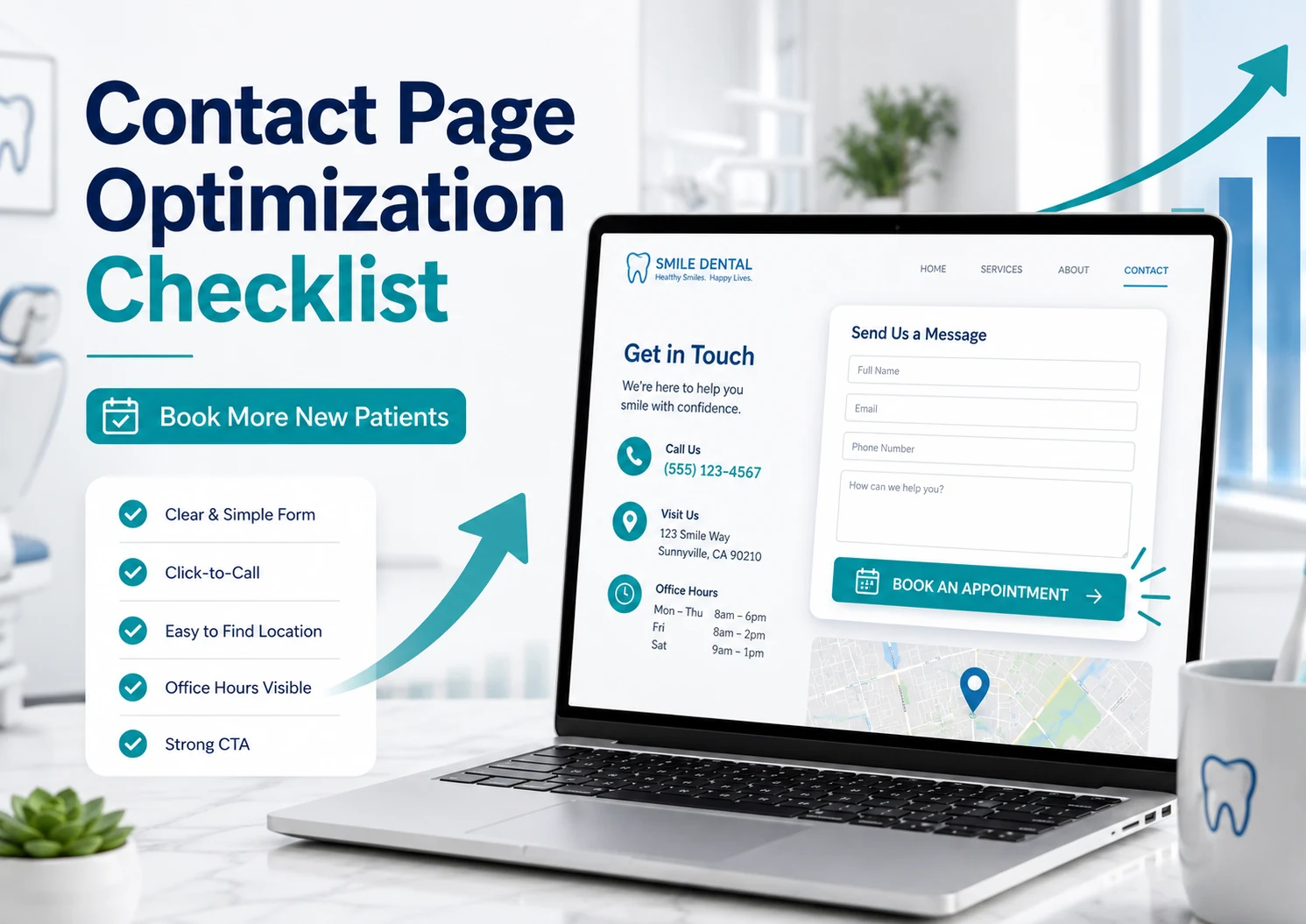 To optimize your dental contact page so it books more new patients, remove every obstacle between a prospective patient and a booked appointment: put a tap-to-call number and a short appointment-request form near the top, keep your practice name, address, phone, and hours identical to your Google listing, and make sure every field is private (HIPAA-safe) and usable by a screen reader. To optimize your dental contact page so it books more new patients, remove every obstacle between a prospective patient and a booked appointment: put a tap-to-call number and a short appointment-request form near the top, keep your practice name, address, phone, and hours identical to your Google listing, and make sure every field is private (HIPAA-safe) and usable by a screen reader.
Your contact page is where interest turns into an appointment, so every detail either moves a ready-to-book patient forward or gives them a reason to leave.
Here’s the common problem: many dental websites treat the contact page as a formality — a bare form, a phone number buried in the footer, and a map that loads slowly on a phone. Meanwhile the visitor is often anxious, in a hurry, or comparing two or three practices at once. Every extra tap, unclear label, or missing detail (Do you take my insurance? Are you open Saturday? Where do I park?) is a reason to close the tab and call the practice down the street.
This guide covers what a high-converting dental contact page needs, how to keep patient information private and the page accessible, and how to make your contact details a consistent source of truth for Google and AI assistants. It ends with a copy-and-check optimization checklist you can run against your own page today.
Written for: dental practice owners, office managers, and marketing teams who want their contact page to book more new patients — without creating privacy, accessibility, or compliance risk.
TL;DR
If you only fix five things on your dental contact page, fix these:
| 1. |
Make contact effortless - a tap-to-call number, a short appointment-request form, and your address and hours visible without scrolling on a phone
|
| 2. |
Keep your details identical everywhere - name, address, phone, and hours must match your Google Business Profile and citations exactly, or you erode trust and confuse AI assistants
|
| 3. |
Protect patient information - collect only what you need, use an encrypted form from a vendor that will sign a business associate agreement, and keep ad-tracking pixels off appointment fields
|
| 4. |
Make it accessible - labeled fields, keyboard operability, strong color contrast, and clear error messages, tested against WCAG 2.1 AA with 2.2 as the target
|
| 5. |
Measure what happens - track calls and form completions as conversions so you know your real visitor → contact → booked rate |
Table of Contents
Why your dental contact page is a conversion asset
Your contact page is one of the highest-intent pages on your site. People who reach it are rarely just browsing — they are deciding whether to pick up the phone or fill out a form right now. That makes it very different from a service page or a blog post, and it deserves the same care you would give a front-desk workflow.
Two things raise the stakes. First, patients verify before they act: most consumers check that a business’s address, phone, and hours are correct before they visit or call, and a meaningful share will move on if they find inconsistent or missing information (BrightLocal’s consumer research). Second, a complete and accurate presence pays off — Google reports that people are notably more likely to consider a business reputable, and to visit it, when its Google Business Profile is complete. Your contact page is where that consistency is proven or broken.
A pattern we see constantly: a practice spends on paid ads and SEO to earn the click, then loses the visitor on a contact page that asks for too much, hides the phone number, or fails on a phone. Optimizing this one page is often the cheapest way to get more from traffic you are already paying for.
> Back to Table of Contents
The anatomy of a high-converting contact page
A strong dental contact page answers three silent questions within seconds: How do I reach you? What happens if I do? Can I trust you with my information? Everything below serves one of those three questions.
Give patients more than one way to reach you
Different patients prefer different channels, and the most anxious ones want the fastest possible path. Offer at least the following, with the phone number placed where a thumb lands first on a phone:
| • |
Click-to-call - a real telephone link so one tap dials the office, with the number shown as text, never baked into an image
|
| • |
Appointment-request form - short, clearly labeled, and reachable without hunting
|
| • |
Directions - an embedded or linked map plus a one-line parking or entrance note for first-time visitors
|
| • |
Hours - current hours, including the days you are closed, so no one drives to a locked door |
Design the form for the patient, not the database
The form is where most contact pages leak. Ask for the minimum necessary to start a conversation — typically a name, a phone or email, a preferred time, and a short optional note. Do not require a patient to type symptoms, diagnoses, insurance ID numbers, or a date of birth on a public form; you can gather clinical and insurance details securely after you connect. Every extra required field lowers completion, and on a public page, sensitive fields also raise privacy risk. Label every field visibly, mark which fields are optional, and write error messages that say exactly what to fix. Some practices go further and let patients book in real time with online scheduling, which removes the wait between request and confirmation.
Answer the questions that create hesitation
New patients hesitate over predictable things, so answer them right on the page: a plain-language note on what a first visit looks like and how new patients are welcomed, how to reach the office for a dental emergency (and how to capture those high-intent emergency searches in the first place), and a simple promise that you will respond quickly. Add real trust signals — a photo of the actual office or team, your credentials, and a link to your patient reviews — so the page feels like a real practice rather than a lead form. Keep promotional offers out of the way here; this page is about making contact easy, not selling.
> Back to Table of Contents
HIPAA and privacy on a public contact page
Your contact page collects patient information, which makes privacy a design requirement, not an afterthought. The following is general information, not legal advice — confirm your setup with qualified counsel and your compliance officer.
Start with the basics that apply to almost every practice that submits claims electronically: treat the form, online scheduling, chat, and bill-pay as places where protected health information can be entered, and build them accordingly. That means an encrypted connection (the whole site on HTTPS), a form and any chat or scheduling tool from a vendor that will sign a business associate agreement, and the minimum-necessary principle applied to every field. Link your privacy policy from the page and keep it aligned with your Notice of Privacy Practices.
Tracking pixels deserve special care. Analytics and advertising tags can quietly send information to outside platforms. In American Hospital Association v. Becerra, a federal court in 2024 vacated the portion of federal guidance that treated an IP address on an unauthenticated public page as protected health information on its own, and the government did not appeal. That narrowed one specific theory — but it did not rewrite HIPAA. Sharing identifiers such as a name, an email, or a submitted appointment request with an advertising platform, without authorization, can still be an impermissible disclosure, and separate state privacy and wiretapping laws continue to drive lawsuits. For a contact page, the practical takeaway is to keep advertising pixels away from the form and any appointment or reason-for-visit data, use analytics configured under a business associate agreement (or handled server-side and de-identified), and have counsel review the specifics. Our deeper look at HIPAA privacy risks in dental digital marketing covers tracking technology in more detail, and the federal government’s online tracking-technology guidance is worth reading alongside that review.
> Back to Table of Contents
ADA accessibility for contact pages and forms
An inaccessible contact form does two harmful things at once: it blocks patients who use assistive technology, and it is one of the most common triggers for website accessibility complaints. This is general information, not legal advice.
Here is the landscape. A private dental practice is a place of public accommodation under Title III of the Americans with Disabilities Act. The Department of Justice has not set a specific technical standard for private businesses, but courts, regulators, and plaintiffs consistently point to the Web Content Accessibility Guidelines (WCAG) 2.1 Level AA as the benchmark, with version 2.2 as the sensible forward-proofing target. The 2024 DOJ rule that names WCAG 2.1 AA applies to state and local governments rather than private practices — but it reinforces which standard everyone is measured against. Federal web-accessibility lawsuits keep climbing (3,117 were filed in 2025, per Seyfarth Shaw’s analysis), and healthcare, including appointment and booking flows, is a frequent target. You can review federal ADA information at ADA.gov, read our practical guide to ADA compliance for dental websites, and have an accessibility specialist test your forms.
Forms are where accessibility is won or lost. Make sure every field has a visible, programmatically associated label (placeholder text alone is not a label), the entire flow works by keyboard, focus is clearly visible, color contrast meets the guideline, errors are described in text rather than by color alone, and the submit control has a clear, descriptive name. Avoid a CAPTCHA that locks out screen readers, and do not rely on an accessibility overlay widget — overlays are widely criticized, have drawn enforcement, and do not fix the underlying code. Publish an accessibility statement with a way to report problems, and test with a real screen reader, not only an automated scan.
> Back to Table of Contents
Local SEO and AI search: your details as a source of truth
Your contact page is the anchor for how search engines and AI assistants understand where you are and how to reach you. The single most important rule is consistency: your name, address, and phone number on the contact page should match your Google Business Profile, your other listings, and your citations exactly. Inconsistent details weaken local ranking signals and, more visibly, send patients to a wrong number or a closed door.
This matters more than ever because patients increasingly ask AI tools for recommendations, and those tools are not always accurate — BrightLocal has found that only about two-thirds of the business contact details surfaced by assistants such as ChatGPT and Perplexity match the business’s Google profile. A clean, consistent, machine-readable contact page improves the odds that both Google and an AI assistant quote the right number and hours.
To make the page easy for machines to read without adding competing page markup, do the essentials well: add structured data for your practice (a LocalBusiness or dentist type) describing your name, address, phone, geo-coordinates, opening hours, and links to your profiles; embed a real map; use a genuine local phone number; and keep the address as selectable text rather than an image. Then keep everything in sync — when hours or a number change, update the page, your profile, and your citations together.
> Back to Table of Contents
Speed, tracking, and measuring conversions
A contact page that loads slowly or shifts around while loading loses patients before they ever tap. Aim for Google’s Core Web Vitals “good” thresholds on mobile: largest contentful paint within 2.5 seconds, interaction to next paint under 200 milliseconds, and cumulative layout shift under 0.1, measured across real visits. Compress images, reserve space for the map and form so nothing jumps as the page loads, and keep third-party scripts lean. See Google’s Core Web Vitals documentation for current thresholds and tools.
You cannot improve what you do not measure. Set up conversion tracking so that a completed form and a tapped phone number both register as key events, then watch the real funnel: visitors → engaged → contacted → booked. Call tracking can attribute phone calls to the page, but in a dental context, configure it carefully so it does not capture or expose patient information; favor tools and settings that keep data private and, where relevant, covered by a business associate agreement. For multi-location groups and DSOs, give every location its own optimized contact page and track each one separately, so a single underperforming page does not disappear inside an average.
> Back to Table of Contents
The dental contact page optimization checklist
Run your contact page against this checklist. Copy it, work through each group, and fix what is missing before you move on.
Reachability and contact methods:
| • |
☐ Tap-to-call phone number near the top and repeated in the footer, built as a real telephone link
|
| • |
☐ Phone number shown as selectable text, never inside an image
|
| • |
☐ Short appointment-request form visible without excessive scrolling on mobile
|
| • |
☐ Text or chat option offered only if it is staffed and compliant
|
| • |
☐ Address with an embedded or linked map and a one-line parking or entrance note
|
| • |
☐ Current hours, including closed days and holiday exceptions |
The contact form:
| • |
☐ Only minimum-necessary fields required to start a conversation
|
| • |
☐ No symptoms, diagnoses, insurance ID numbers, or dates of birth requested on the public form
|
| • |
☐ Every field has a visible label, and optional fields are marked
|
| • |
☐ A clear confirmation message or thank-you page after submission
|
| • |
☐ A stated, realistic response time so patients know what to expect |
Privacy and HIPAA:
| • |
☐ The whole site served over HTTPS
|
| • |
☐ Form, chat, and scheduling tools from vendors that will sign a business associate agreement
|
| • |
☐ Advertising pixels kept off the form and any appointment or reason-for-visit data
|
| • |
☐ Privacy policy linked and aligned with your Notice of Privacy Practices
|
| • |
☐ The setup reviewed with qualified counsel and your compliance officer |
Accessibility (ADA and WCAG):
| • |
☐ Labeled, keyboard-operable fields with a visible focus indicator
|
| • |
☐ Color contrast that meets WCAG 2.1 AA, with 2.2 as the target
|
| • |
☐ Errors described in text, not by color alone
|
| • |
☐ No screen-reader-blocking CAPTCHA and no reliance on an overlay widget
|
| • |
☐ An accessibility statement published with a way to report problems
|
| • |
☐ Tested with a real screen reader, not only an automated scan |
Local SEO and AI visibility:
| • |
☐ Name, address, and phone identical to your Google Business Profile and citations
|
| • |
☐ Structured data describing your practice, address, phone, hours, and geo-coordinates
|
| • |
☐ A genuine local phone number and a selectable-text address
|
| • |
☐ The page, profile, and citations updated together whenever details change |
Speed and measurement:
| • |
☐ Core Web Vitals in the “good” range on mobile
|
| • |
☐ Space reserved for the map and form so the layout does not shift
|
| • |
☐ Form completions and call taps tracked as key events
|
| • |
☐ A separate, individually tracked contact page for each location |
> Back to Table of Contents
Turn your contact page into a booking engine
An optimized contact page is one of the fastest wins in dental marketing: it converts the traffic you already earn into booked patients while protecting privacy and access. If you would like an expert second look at your contact page — conversion, local SEO, accessibility, and compliance reviewed together — the team at WEO Media - Dental Marketing can help. Call 888-246-6906, schedule a consultation, or reach out through our contact page to get started.
> Back to Table of Contents
FAQs
What should a dental contact page include?
A high-converting dental contact page includes a tap-to-call phone number, a short appointment-request form, your address with a map and directions, and current hours — all visible without excessive scrolling on a phone. It should also show real trust signals, keep patient information private, and meet accessibility guidelines so every visitor can use it.
How many fields should a dental appointment form have?
Fewer is almost always better. Ask only for what you need to start a conversation, usually a name, a phone number or email, and a preferred time, with an optional short note. Collect clinical details, insurance information, and dates of birth securely after you connect, never on the public form, because each extra required field lowers completion and raises privacy risk.
Are website contact forms covered by HIPAA?
For most dental practices that submit claims electronically, yes. A contact or appointment form can collect protected health information, so it should be treated as a HIPAA touchpoint: an encrypted connection, a form vendor that will sign a business associate agreement, and only the minimum-necessary fields. This is general information, not legal advice; confirm your setup with qualified counsel.
Can I use analytics or advertising pixels on my dental contact page?
Carefully, and not on the sensitive parts. A 2024 court ruling narrowed one theory about IP addresses on public pages, but sharing identifiers or appointment details with advertising platforms without authorization can still be an impermissible disclosure, and state privacy and wiretapping laws still apply. Keep advertising pixels away from the form, and use analytics covered by a business associate agreement or configured to avoid capturing patient information.
Does my dental website have to be ADA accessible?
Private dental practices are places of public accommodation under Title III of the ADA, and courts and plaintiffs consistently use WCAG 2.1 Level AA as the benchmark, with 2.2 as the target. There is no specific federal technical standard for private businesses, but website accessibility lawsuits are common and healthcare is frequently targeted, so building forms that work with a keyboard and a screen reader is both the right thing to do and a real risk reducer.
Should my contact page have live chat or a chatbot?
Only if it is staffed and compliant. Live chat can speed up contact for busy or anxious patients, but any tool that could receive patient information needs the same privacy safeguards as your form, including a business associate agreement with the vendor. An unstaffed or non-compliant chat widget can create more risk and frustration than value.
How do I get my dental contact page to rank in local search?
Consistency is the foundation. Make your name, address, and phone number match your Google Business Profile and citations exactly, add structured data describing your practice and hours, embed a real map, and use a genuine local phone number. Then keep the page, your profile, and your citations in sync whenever any detail changes.
How do I know if my contact page is working?
Track completed forms and tapped phone numbers as key events, then follow the funnel from visitors to engaged to contacted to booked. Watch mobile separately from desktop, keep an eye on Core Web Vitals, and, for multiple locations, measure each contact page on its own so an underperformer does not disappear inside an average. |
|